---
title: "Displaying Empty Stars on Category Pages"
slug: "displaying-empty-stars-on-category-pages"
tags: ["Reviews ", "Shopify Plus", "Shopify", "Adobe Commerce (Magento)", "WooCommerce", "BigCommerce", "Volusion", "Salesforce Commerce Cloud", "Custom"]
updated: 2024-04-01T23:22:06Z
published: 2024-04-01T23:22:06Z
canonical: "support.yotpo.com/displaying-empty-stars-on-category-pages"
---
> ## Documentation Index
> Fetch the complete documentation index at: https://support.yotpo.com/llms.txt
> Use this file to discover all available pages before exploring further.
# Displaying Empty Stars on Category Pages (Legacy)
Products
Reviews
###### Supported plans
Free, Starter, Pro, Premium, Enterprise
###### eCommerce Platform
Shopify, Shopify Plus, Adobe Commerce (Magento), BigCommerce, WooCommerce, Volusion, Salesforce Commerce Cloud, Custom
This article explains how to customize a Yotpo feature using external code. The code is generic and provided as is. Implementation or modification of this code is not supported by Yotpo. We recommend using the services of a developer for the purpose of integrating this customization into you website.
By default, Yotpo does not display empty stars on category pages if that product does not have at least one review. This guide is for overriding the default behavior to display five **empty** stars when there are no reviews for a particular product.
## Shopify
For Shopify stores:
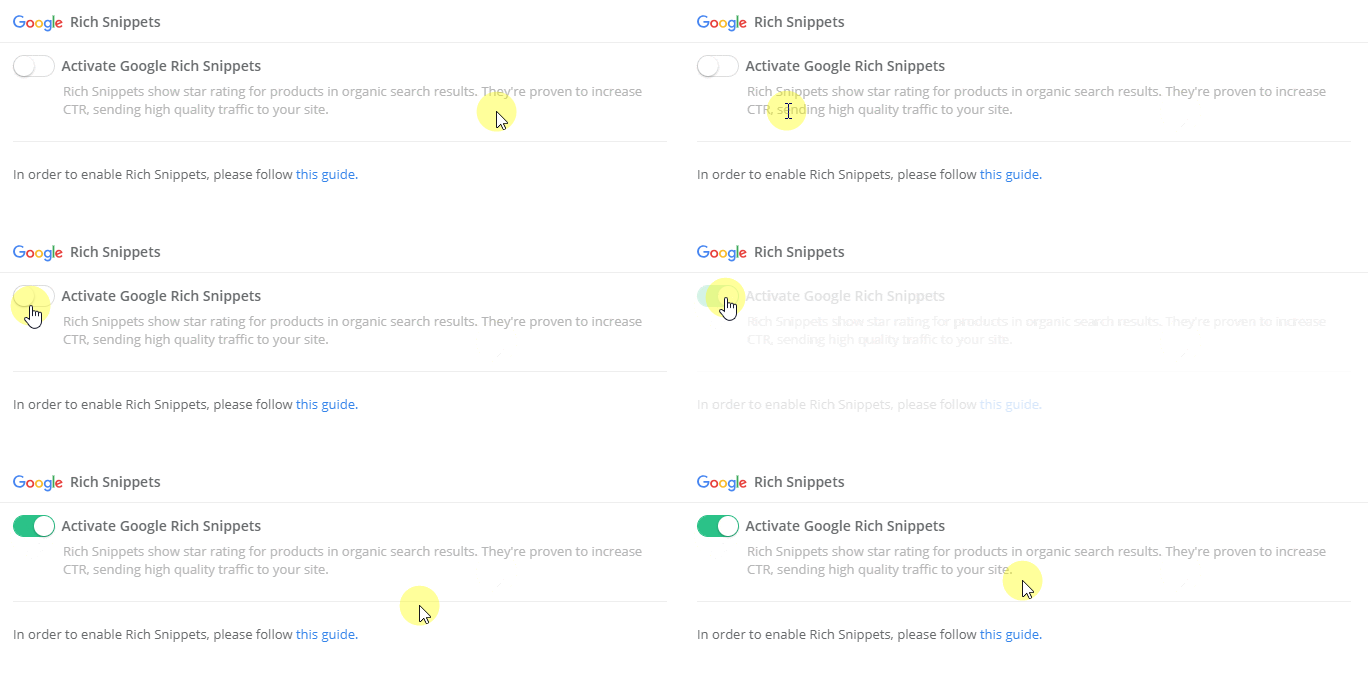
1. From your Yotpo Reviews main menu, go to **Meta & Google** > [**Google Rich Snippets**](https://reviews.yotpo.com/#/tools/rich_snippets).
2. Activate the feature.
3. Place the following code in the **category template file** at the location you would otherwise have the Star Rating code:
```markup
{% if product.metafields.yotpo.reviews_count and product.metafields.yotpo.reviews_count != "0" %}
{% else %}
{% endif %}
```
## Adobe Commerce 1
For Adobe Commerce 1 stores:
1. From your Yotpo Reviews main menu, go to **Meta & Google** > [**Google Rich Snippets**](https://reviews.yotpo.com/#/tools/rich_snippets).
2. Activate the feature.

3. Place the following code in the category template file at the location you would otherwise have the Star Ratings code:
Please note:
This code needs to be within the product's scope to work properly and draw the relevant product information
```markup
helper('yotpo/richSnippets')->getRichSnippet($this);
$productYotpo = Mage::registry('current_product');
?>
```
1. Activate the feature

## Adobe Commerce 2
For Adobe Commerce 2 stores:
1. From your Yotpo Reviews main menu, go to **Meta & Google** > [**Google Rich Snippets**](https://reviews.yotpo.com/#/tools/rich_snippets).
2. Activate the feature.
3. Place the following code in the category template file at the location you would otherwise have the Star Ratings code:
Please note:
This code needs to be within the product's scope to work properly and draw the relevant product information
```markup
helper('Yotpo\Yotpo\Helper\RichSnippets');
$array = $rs_helper->getRichSnippet($this);
$objectManager = \Magento\Framework\App\ObjectManager::getInstance();
$productYotpo = $objectManager->get('Magento\Framework\Registry')->registry('current_product');//get current product
?>
```
## Generic installations
If your site uses a generic integration, there will need to be an API call made to check whether or not the product has reviews. The API call can either be [per product](http://apidocs.yotpo.com/reference#get-bottom-line-total-reviews-and-average-score-fo-1) as it displays on the product page or it can be an API call for [all products](http://apidocs.yotpo.com/reference#v1-retrieve-bottom-line-total-reviews-and-average-score-for-all-products).
Tip:
Yotpo recommends using the API call for [all products](http://apidocs.yotpo.com/reference#v1-retrieve-bottom-line-total-reviews-and-average-score-for-all-products) and saving the results to the local server. This way, when the category page displays, a function can check these results instead of making an API call for each product. These results can be updated every 24 hours or as often as one would like.
The logic should be that if there are reviews present, then the standard Yotpo Star Rating should be displayed. If not, then it should display the HTML for the empty stars.
The flow is listed below:
```markup
{API CALL CHECKING FOR REVIEWS}
{IF REVIEWS EXIST}
{ELSE}
{END IF}
```