---
title: "Horizontally Aligning Star Rating and Q&A Buttons"
slug: "horizontally-aligning-star-rating-and-qa-buttons"
tags: ["Reviews ", "Shopify Plus", "Shopify", "Adobe Commerce (Magento)", "WooCommerce", "BigCommerce", "Volusion", "Salesforce Commerce Cloud", "Custom"]
updated: 2024-04-01T23:23:52Z
published: 2024-04-01T23:23:52Z
canonical: "support.yotpo.com/horizontally-aligning-star-rating-and-qa-buttons"
---
> ## Documentation Index
> Fetch the complete documentation index at: https://support.yotpo.com/llms.txt
> Use this file to discover all available pages before exploring further.
# Horizontally Aligning Star Rating and Q&A Buttons (Legacy)
Products
Reviews
###### Supported plans
Free, Starter, Pro, Premium, Enterprise
###### eCommerce Platform
Shopify, Shopify Plus, Adobe Commerce (Magento), BigCommerce, WooCommerce, Volusion, Salesforce Commerce Cloud, Custom
Both the star rating and the Q&A bottomline widgets are block-level elements, meaning that they will not sit next to each other when placed one after the other in HTML code.
**Please note:**
- This article explains how to customize a Yotpo feature using external code.
- The code is generic and provided as is. Implementation or modification of this code is not supported by Yotpo.
- We recommend using the services of a developer for the purpose of integrating this customization into your website.
## Placing the star rating and Q&A buttons next to each other
Paste the following style element into the **** of your product's template page.
```markup
```
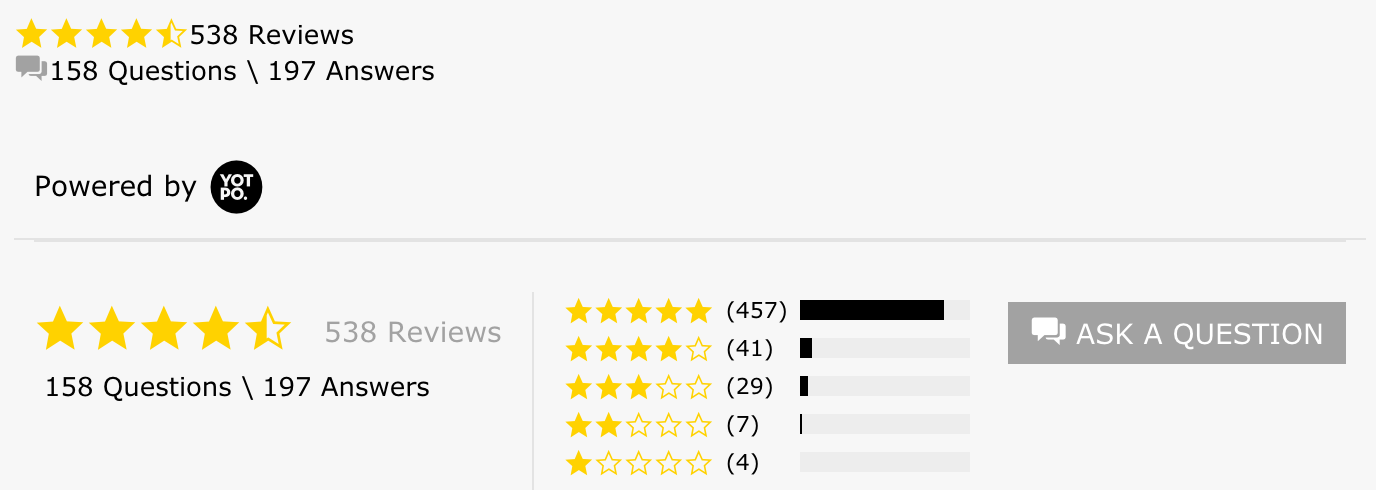
When implemented correctly, the results should look like the image below:

## Adding the star rating and Q&A buttons on opposite sides of a container div
1. Locate the template or snippet where the code should be placed. If you're using Shopify, the default is *product.liquid*.
2. Place the following code within the div you'd like the bottomLine elements to appear in:
```markup
```
1. Place the recommended style:
```markup
```
**Please note:**
- The product variables used in this guide are Shopify's. You can replace them with variables or calls used by another platform.
- We recommend you test for responsiveness by checking the layout in different screen widths.